
Should you let AI crawl your website?
Generative AI has been at the forefront of tech news for the past few years. OpenAI’s ChatGPT, Google’s Gemini, and Microsoft’s Azure are just a few of the AI platforms on the market that use machine-learning models to generate new content like text, images, videos, and audio.
You’ve likely seen examples of this pop up on social media or even the news — like the Pope in a glossy white puffer jacket, Elon Musk holding hands with General Motors CEO Mary Barra or even articles from some of the most respected publications. To build their models and accumulate knowledge to produce better outputs, these platforms have bots that crawl and index website content and information. And as the AI boom grows, more bots are crawling your website daily. Like any new technology, there are benefits and drawbacks to this application.
Below, we’ve outlined the pros and cons of AI bots crawling your website, especially for clean energy and sustainability companies operating in competitive and technical markets. That way, you can make an informed decision about whether or not to allow them to continue.
Pros of letting AI crawl your website
Before diving into the different considerations for web crawlers, let's discuss: What, exactly, is a web crawler? Also known as spiders or bots, web crawlers download and index content from all over the internet to learn what (almost) every webpage is about. That way, they can retrieve the information when needed. While it sounds intrusive, allowing AI to index your website can lead to desirable outcomes.
For starters, these crawlers can create more opportunities for internet users to see the information and content from your website. While Google still ranks as the number 1 search engine by users, ChatGPT significantly outpaced Google’s Gemini in app downloads between May 2023 and June 2024. In October, OpenAI even released a ChatGPT search engine directly into its software application. As AI models continue maturing, linking to the source content is also improving, increasing the backlinks to your company website.
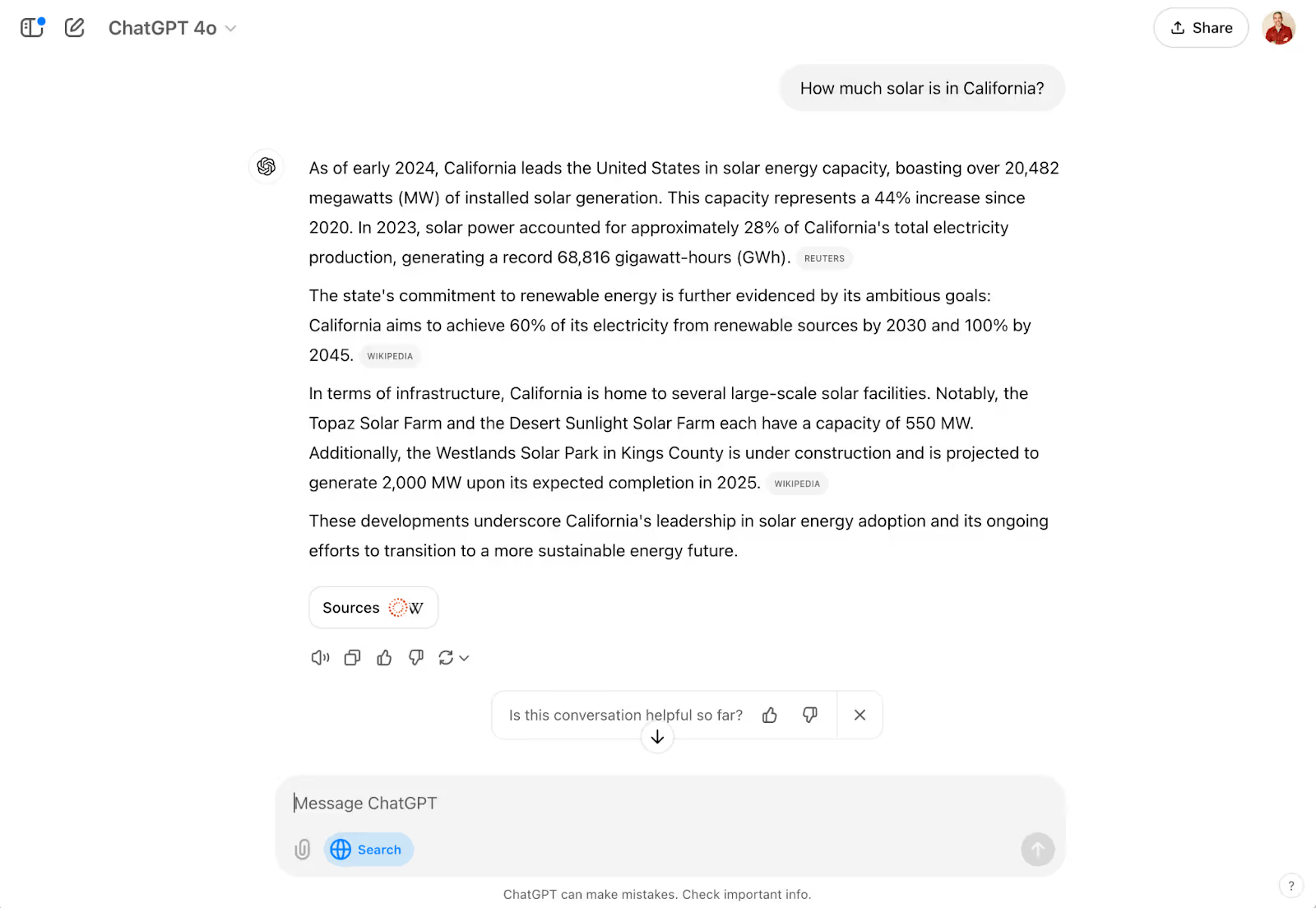
A backlink is simply a link from one website that points to a page on your website. When an AI product like Perplexity produces a piece of content (e.g., a blog), it cites its sources so users can verify the information and point to it if or when they publish the content. This creates a backlink for your website, increasing your domain authority and overall SEO performance, leading to higher rankings on search engine result pages (SERPs).
As we mentioned, Google still owns the top spot when it comes to search engines, and ranking number 1 on Google is as important now as ever, as this typically leads to significantly more traffic to your website. However, with the release of Gemini — Google’s proprietary AI software — the number 1 spot on the first search engine results page (SERP) has changed. The top result on the first page is now largely a Gemini-developed answer that aggregates content from several sources. As these AI-created answers provide the links to every source they use, this can be a real boon because there’s more real estate granted to the sites contributing to the top search result.
Allowing AI companies and their crawlers access to your site can benefit your SEO and overall website visibility. However, as more companies pop up and more bots enter the playing field, keeping an eye on which platforms can access your site will be crucial.

Cons of letting AI crawl your website
While allowing these crawlers access to your website content supplies more potential visibility for your digital brand, it can also result in some unwanted interactions. AI companies are constantly updating their bots and creating new ones to better their product — staying up-to-date is challenging. It also opens the door to potential adverse effects for your websites.
One significant drawback of crawlers indexing your website is floods of undesirable and unwanted site traffic. Because these bots are designed to access as much information as possible to improve their models, they constantly seek new information. In practice, this means they could be sitting idle on your website.
This type of (in)activity can inflate your website analytics and present false data. In an interview with 404 Media, a representative from iFixit, an online consumer electronics community, said that Anthropic’s crawlers hit their website nearly one million times in a single day. Read the Docs, a coding documentation deployment service, published a blog post saying that one crawler accessed 10 terabytes (TB) of their files in a single day and 73 TB total in May. This issue was the result of failures. The first was because of a bug in the crawler, causing it to download the same file repeatedly. The second was the absence of bandwidth limiting on the Read the Docs website. This siege ended up costing them more than $5,000 in bandwidth charges alone, which the owners of the bot have since reimbursed.
Aside from website visits and analytic troubles, crawlers can also increase credibility issues. Because AI platforms aggregate data from sources across the internet, the information on your website could be paired with inaccurate information or shown without context. These models are still learning and maturing — and they get things wrong. NewsGuards “August 2024 AI Misinformation Monitor of Leading AI Chatbots” report found that of the top 10 leading AI chatbots, 18% of responses provided false information. Climate companies must also be cautious of AI’s tendencies to spread climate misinformation, fossil fuel propaganda, and greenwashing.
Your organization may have already taken steps to limit or block AI bots from your website. However, new crawlers are consistently coming online to help AI companies improve their capabilities — your site might not block the new bots or might block the wrong ones. 404 Media has found that many current crawlers are either new, outdated, or completely fake and not associated with an AI company at all. So, even if you’ve taken steps to protect your content, blocking bots is a constant battle.
Here’s what you can do
With so much unfolding in the world of generative AI, it’s completely reasonable to feel lost or confused about how to handle the battle of the bots. Below, we’ve laid out some next steps and resources for you so you can formulate a plan moving forward.
Step 1: Identify who’s crawling
You can’t know how to combat crawlers until you know who you’re fighting. Dark Visitors has a running list of active AI bots that could crawl your website without you knowing. Though this list is exceptionally long, Dark Visitors lists the most popular and well-known crawlers at the top for easier identification. Cloudflare also lists the top 10 website crawlers based on request volume.
Some of the most well-known crawlers and their owners are:
- Bytespider: Bytedance, owner of TikTok
- GPTBot & ChatGPT-User: Both from ChatGPT / OpenAI
- ClaudeBot: Anthropic
- Applebot-Extended: Apple
- FacebookBot: Facebook
- Google-Extended: Google
Step 2: View your robot.txt files
A robots.txt file is a plain text file that tells search engine crawlers which pages on a website they have access to. Viewing your robots.txt file is simple. You type in the website you want to examine and put /robots.txt — https://example.com/robots.txt — at the end of the link.
This file is only where you view which bots you allow or disallow the ability to crawl your website. Viewing other robots.txt is useful when conducting competitive research or working on an SEO strategy. Since these are public lists, knowing which bots your competitors allow or disallow will help inform your strategy.
Step 3: Setting crawling permissions
As you proceed through this process, you can designate “allow” or “disallow” tags to certain bots. Regardless of your decisions, you will need to work with your website administrator or IT department to make any changes or updates to your allow and disallow list.
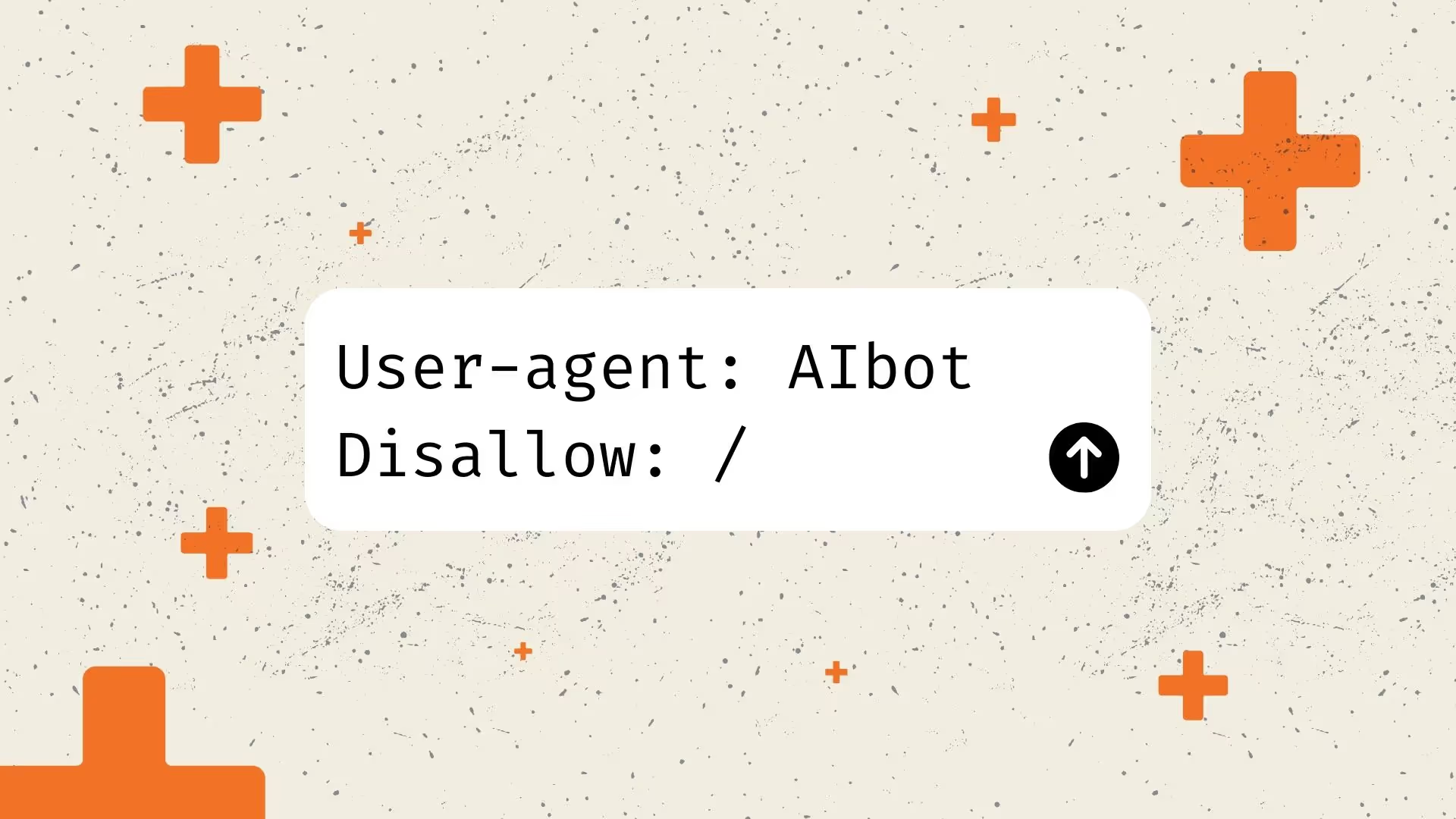
Although these updates occur on the backend of your website, the way you grant or block access is relatively simple. The syntax for allowing and disallowing bots is structured in the following format:
Allowing a bot
user-agent: [name of bot]
allow: /
Disallowing a bot
user-agent: [name of bot]
disallow: /
The New York Times is one example of an organization that is using disallow tags to actively prevent AI bots from crawling website pages. Its robots.txt file can serve as a good reference for how to manage web crawlers effectively.

Developing your strategy
Artificial intelligence is altering the way people are using the internet. The biggest challenge is staying abreast of the latest updates and having a plan for your organization. It’s necessary to consider AI platforms when crafting your website strategy and messaging. AI can certainly benefit your sales and marketing strategy, but it must be approached with caution and understanding.If you’re looking to develop and implement strategies for managing and monitoring AI bots’ access to your website, contact our team — we’re here to help with your web crawling strategy.
Read more news and insights from the DG+ team.
.png)


.png)
.avif)
Let’s talk about what you’re building.
Whether you’re refining your positioning, preparing for growth, or trying to make a complex product easier to understand, we’d love to hear more. Share a bit about your goals or challenges and we’ll get back to you with a clear, honest perspective on how we can help.
Skip the form and email us directly at hello@dgplusagency.com